

You might have noticed spelling typo in the cover image on my previous post.
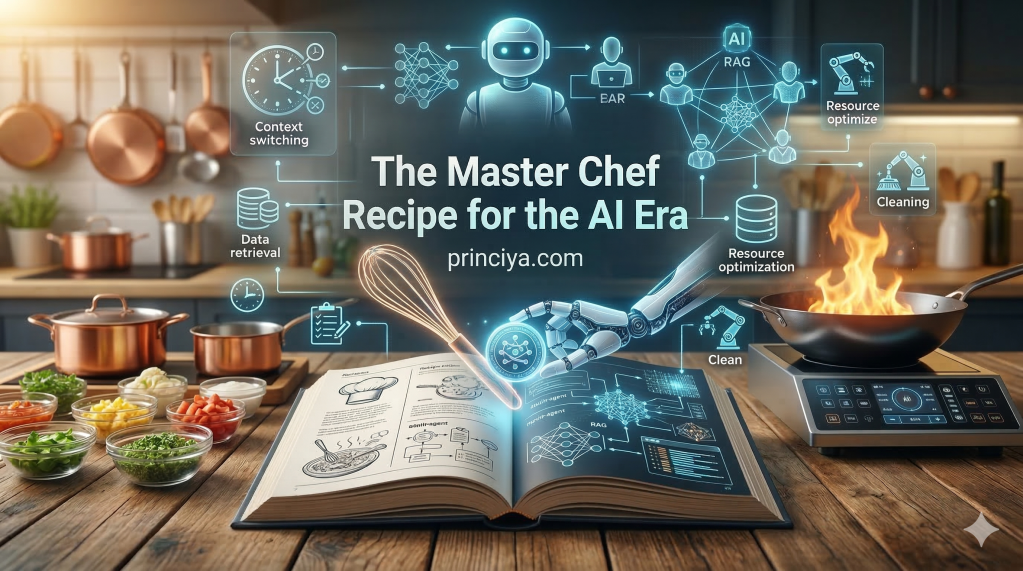
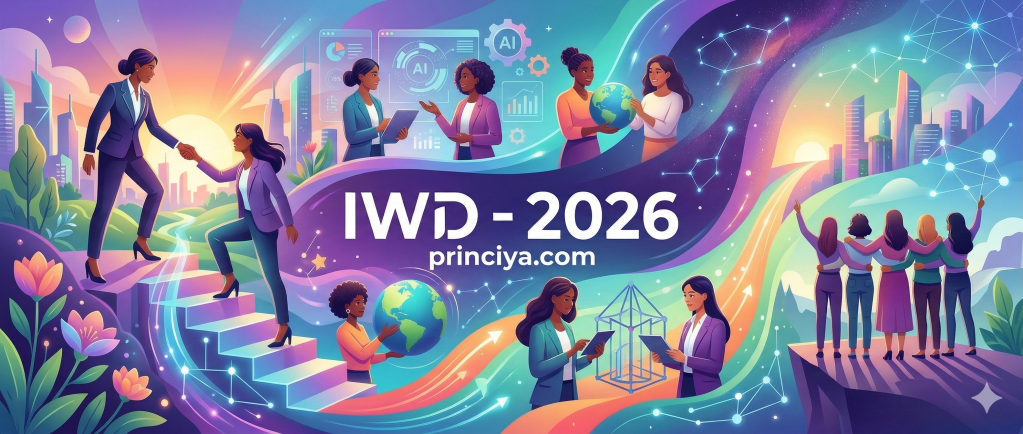
I use WordPress and I use its Set featured image using AI a lot. I have written blog posts on how I wrote a custom plugin for WordPress to generate social sharing images. Since I now use this AI feature that is built in, I wanted to play around with different prompts and have it generate a custom featured image with my logo and the blog title.
Why AI image generators struggle with text
tl;dr
AI image generators produce inaccurate text because they treat words as visual patterns of pixels rather than actual language, leading to misspellings and distorted characters. This is due to the way they process information pixel-by-pixel, a lack of sufficient training data with clear text, and limitations in their understanding of language structure.
All the failed prompts
I asked my fav LLM itself to help me on the prompt generation to get the perfect image with the right text, but it kept failing. I was tired and I gave up yesterday.


The prompt that worked
I have caught up on this again today, and I was able to get the right image. See the cover image for this blog post.
Here’s the explicit prompt that worked:
Always treat any text enclosed in double quotes as immutable. Copy it verbatim with exact spelling, capitalization, and punctuation. Before rendering the image, verify the quoted text matches exactly. If it does not, regenerate until the output is correct.
<define the image>
Include the text “AI and Text” in the center against a contrast background. The bottom of the image should contain the text “princiya.com”.
Tips & Tricks
General Strategies to Improve Text Generation
- Be Specific and Clear: The more detail you provide about the text, the better. Don’t just say “add a sign with text.” Specify the exact text, its font, color, and location.
- Keep it Short: AI models tend to perform better with shorter phrases or single words. Longer sentences or paragraphs are much more likely to come out as gibberish. Try to limit the text to 25 characters or less.
- Iterate and Refine: The first attempt rarely produces perfect results. Generate the image, analyze the errors (like distorted letters or poor spacing), and then refine your prompt to address those specific issues.
 Princiya Sequeira
Leave a comment