

Introduction
Somewhere in March, I was going through the Node.js Github repository, and the Node.js mentorship program caught my attention. I was immediately drawn to this program, mainly because this would give me an opportunity to get seriously involved with the V8 JavaScript engine and I quickly submitted my application. Thanks to the Outreachy program, I am now so comfortable and confident to contribute to Open Source.
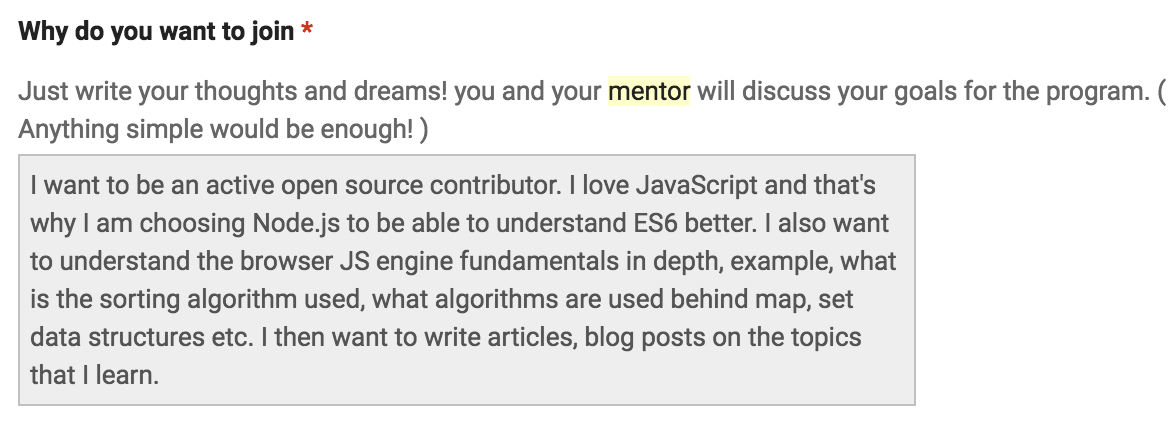
🎉 In the last week of July I got an email saying that I was accepted into the Beta phase of this program 🎉! I was paired with my mentor, Stephen Belanger from the Node.js Diagnostics Working Group. We had our first kick-off meeting in the first week of August and I have been hearing a lot about Async Hooks lately 🤔.
In this post, I shall try to summarise the Node.js Diagnostics Working Group, and their core domains. It took me a month to finally trace, profile, analyse and debug through this Working Group’s main features!
Background
Node.js
Node.js is a JavaScript run-time environment. This run-time environment includes everything you need to execute a program written in JavaScript.
In the pre-Node.js era, one had to rely on a browser to execute JavaScript code. Node.js turned JavaScript from something you could only run in the browser to something you could run on your machine as a standalone application.
V8 JavaScript engine
Node.js runs on the V8 JavaScript runtime engine.
- V8 is the same JavaScript engine that powers the Google Chrome browser.
- It is an open source runtime engine
- And is written in C++
The Node.js Diagnostics Working Group
The Diagnostics Working Group has 4 core domains:
- Tracing
- Profiling
- Heap & Memory Analysis
- Step Debugging
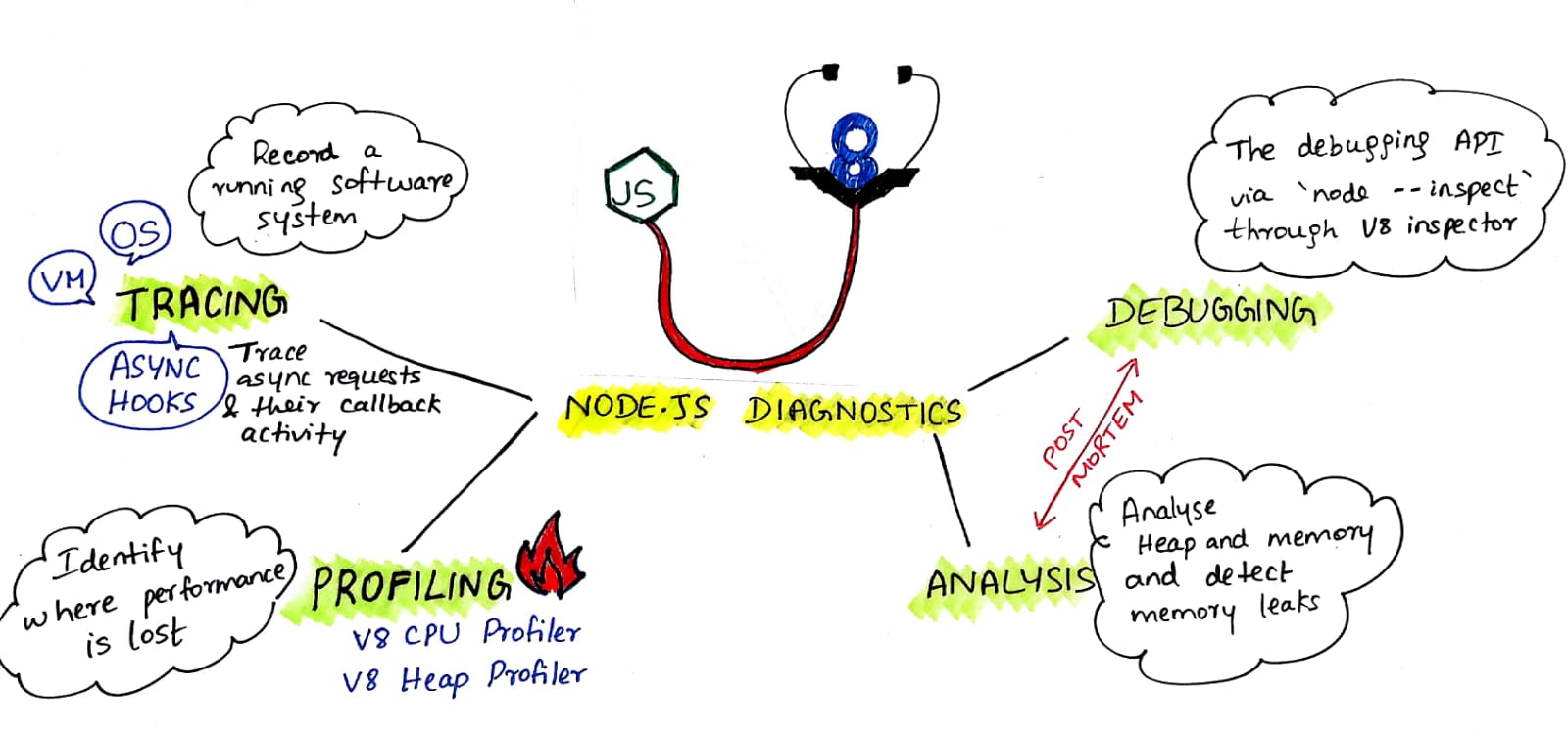
Heap & Memory Analysis and Step Debugging are post-mortem diagnostic activities and are out of scope of this post. In the remainder of this post, I shall briefly describe – Tracing, Async Hooks & Profiling.
Tracing
Tracing is a technique used to understand what goes on in a running software system. The software used for tracing is called a tracer, which is conceptually similar to a tape recorder.
Tracing is often compared to logging. However, tracers and loggers are two different tools, serving two different purposes. Tracers are designed to record much lower-level events that occur much more frequently than log messages, often in the range of thousands per second, with very little execution overhead.
The list of recorded events inside a trace file can be read manually like a log file for the maximum level of detail, but it is generally much more interesting to perform application-specific analyses to produce reduced statistics and graphs that are useful to resolve a given problem.
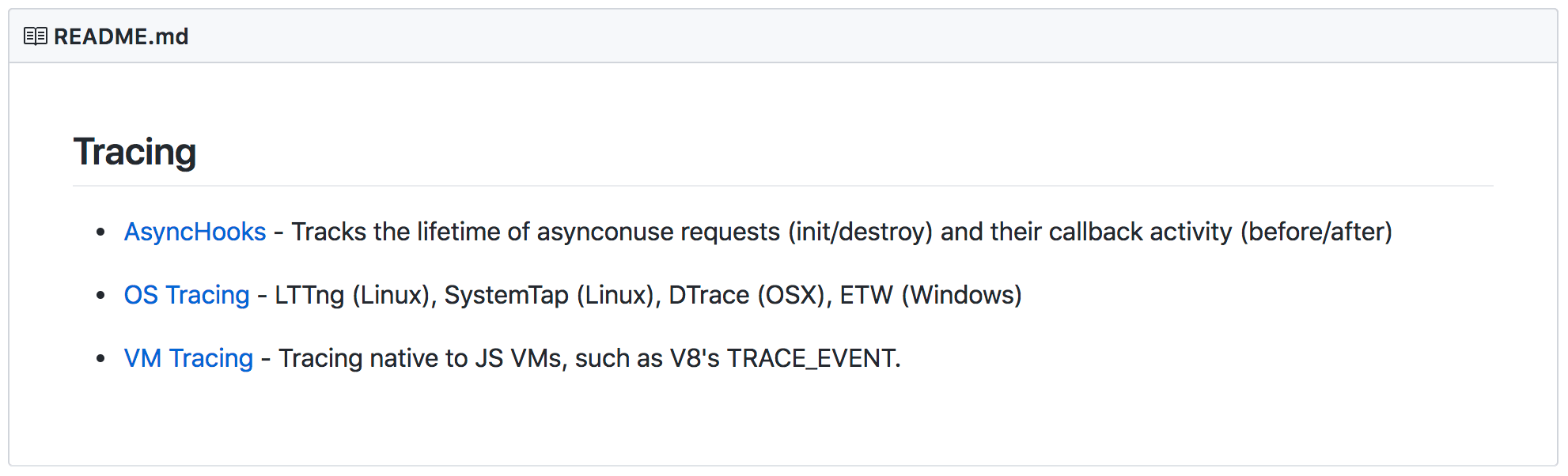
Async Hooks
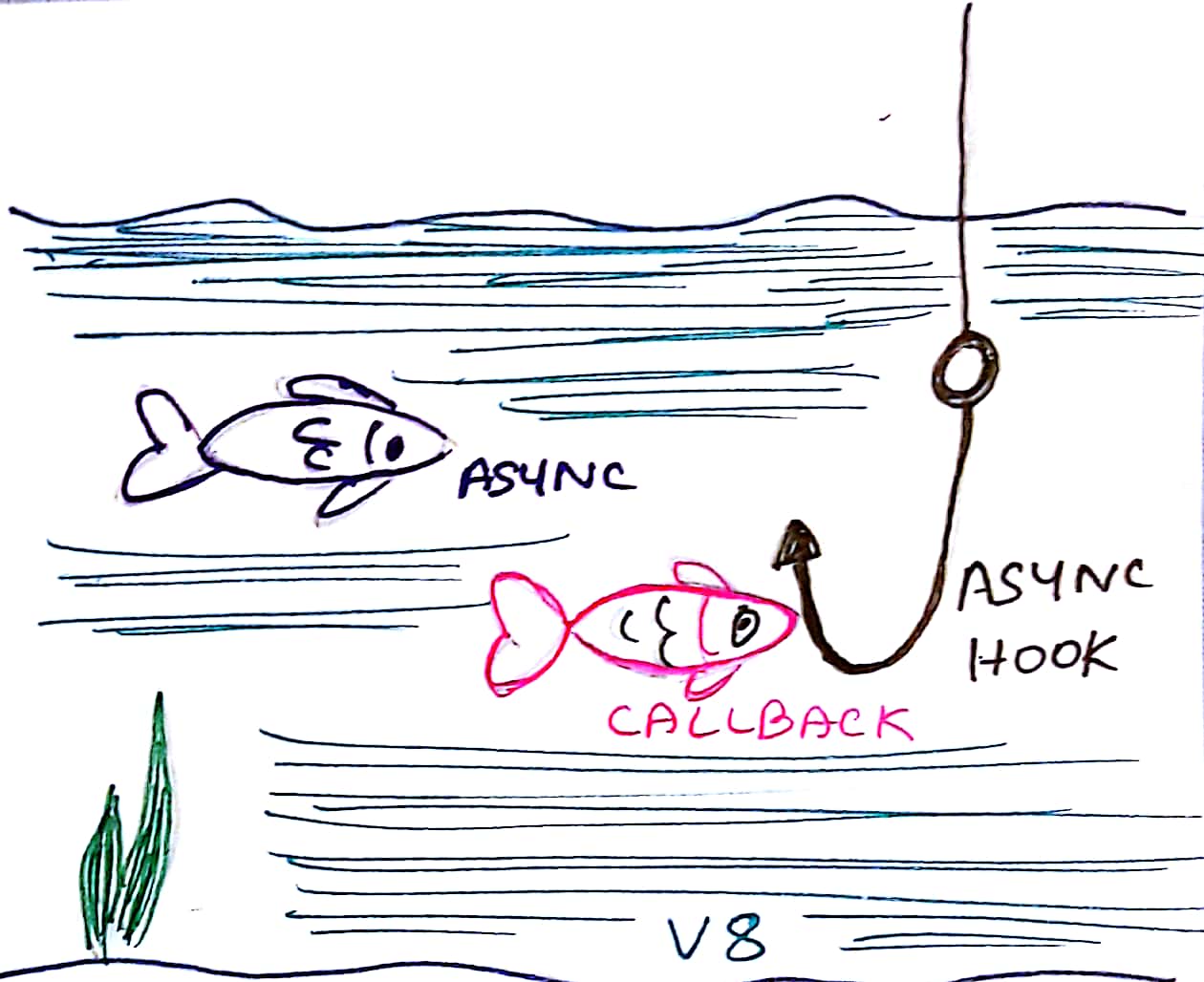
The libuv module provides asynchronous capabilities to the V8 engine. Without libuv NodeJS is just a synchronous JavaScript\C++ execution.
async_hooks API makes it easier to track asynchronous requests and their callback activities. Async Hooks are used to correlate the async behaviour with V8.
The async_hooks module provides an API to register callbacks tracking the lifetime of asynchronous resources created inside a Node.js application. It can be accessed using:
const async_hooks = require('async_hooks');Profiling
Profiling is suitable to identify where performance is lost in a given software. The profiler outputs a profile, a statistical summary of observed events, which you may use to discover which functions took the most time to execute.
V8 has a sampling profiler called V8 profiler which is intended for capturing and analyzing CPU profiles and heap snapshots for your Node.js applications.
Profiling for Node.js mainly comprises of the following:
- CPU Profiling – helps to understand what keeps the CPU busy
- Heap Profiling – records the state of the JS heap and profiles heap memory usage statistics
Next steps
I am still trying to understand things around the Diagnostics universe at a more granular level. I hope to experiment more with the v8-profiler and async_hooks and consider novel ways to connect the two to capture multiple profiles and connect them together.





Leave a Reply