
This post is Part of my 3 part-series – The Faceless AI Experiment.
Part 1: The Spark, The Setup, and Solving the Visual Stack
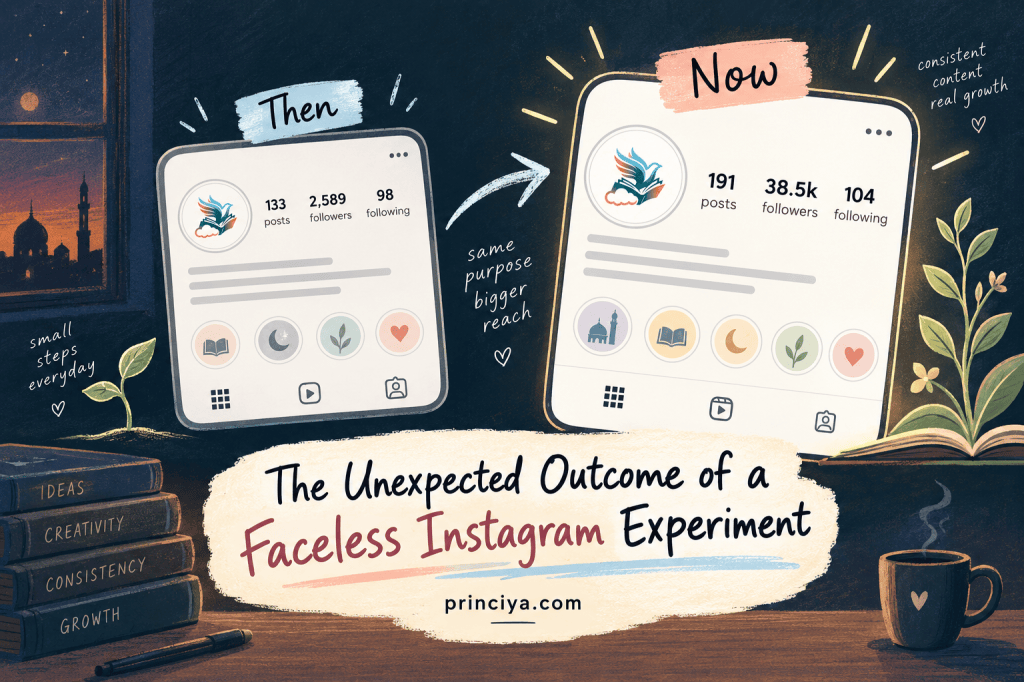
I am finally back on the blog after almost a month away. While the energy at the EWL conference recently was positively contagious, in today’s post I want to share about a topic I’ve been heavily invested in since March:
growing a faceless Instagram channel entirely powered by AI.
My goal wasn’t just to farm followers. I wanted to answer a few specific questions: What can AI actually do? How much can I automate? And most importantly, can AI act as my dedicated IG growth strategist?
This channel didn’t start as a brand strategy; it started as a need. I wanted to create a space to explain concepts that often feel too big, abstract, or uncomfortable. I needed a bridge to translate complex ideas into bite-sized, emotionally clear content. For the faceless channel, anonymity was key. It was crucial to separate my professional identity from this deeply personal project and experiment how and where could AI fit.
My approach from the beginning was clarity over perfection. I wasn’t looking to be academically or linguistically flawless; I wanted to be emotionally clear.
Here is how it started:
- Day 1: Narrowing down the niche, naming the brand, booking domains, and securing social handles.
- Day 2: Committing to building in public.
From there, it was a daily grind of content posting, figuring out my evolutionary path, and ensuring I actually enjoyed the process.
Solving the Editing Nightmare
One massive initial win: there was never a dearth of topics. I used LLMs as my safety net, primarily relying on ChatGPT to fine-tune my ideas into concrete concepts and validate facts.
But the visual tooling was a journey. I started with Canva and edited locally with iMovie. Spoiler: iMovie’s resolution does not play well with IG. I then shifted to editing directly in the Instagram app. As someone who had never really used IG before (I literally had to install it on my phone for this), I quickly realized the mobile app lacked serious editing depth. Trying to extend an image past 3 seconds to match my audio was impossible.
That’s when I found the Edits app. Instant game-changer. It natively supported the 9:16 vertical layout, offered advanced image editing, and completely solved my tooling bottleneck.
Enter Gemini
For images, Gemini was my workhorse. I created two custom Gemini Gems (think of them as shareable Claude/Cursor skills):
- One dedicated to formatting the actual Reel cards.
- One designed to explain complex topics like a 5-year-old in a comic strip style.
I highly recommend utilizing Gemini for this (especially their advanced models, they have nailed text generation to near perfection). Paired with my paid Gemini Pro account, the foundation was set.
My Core Filter: Before anything went out, I asked myself: Is this honest? Is it safe? Is it empowering rather than fear-inducing? If the AI output didn’t pass that test, I tweaked the prompts until it did.
Next up: Part 2: Pushing the Limits with Audio, Video, and Fictional Avatars



Leave a comment